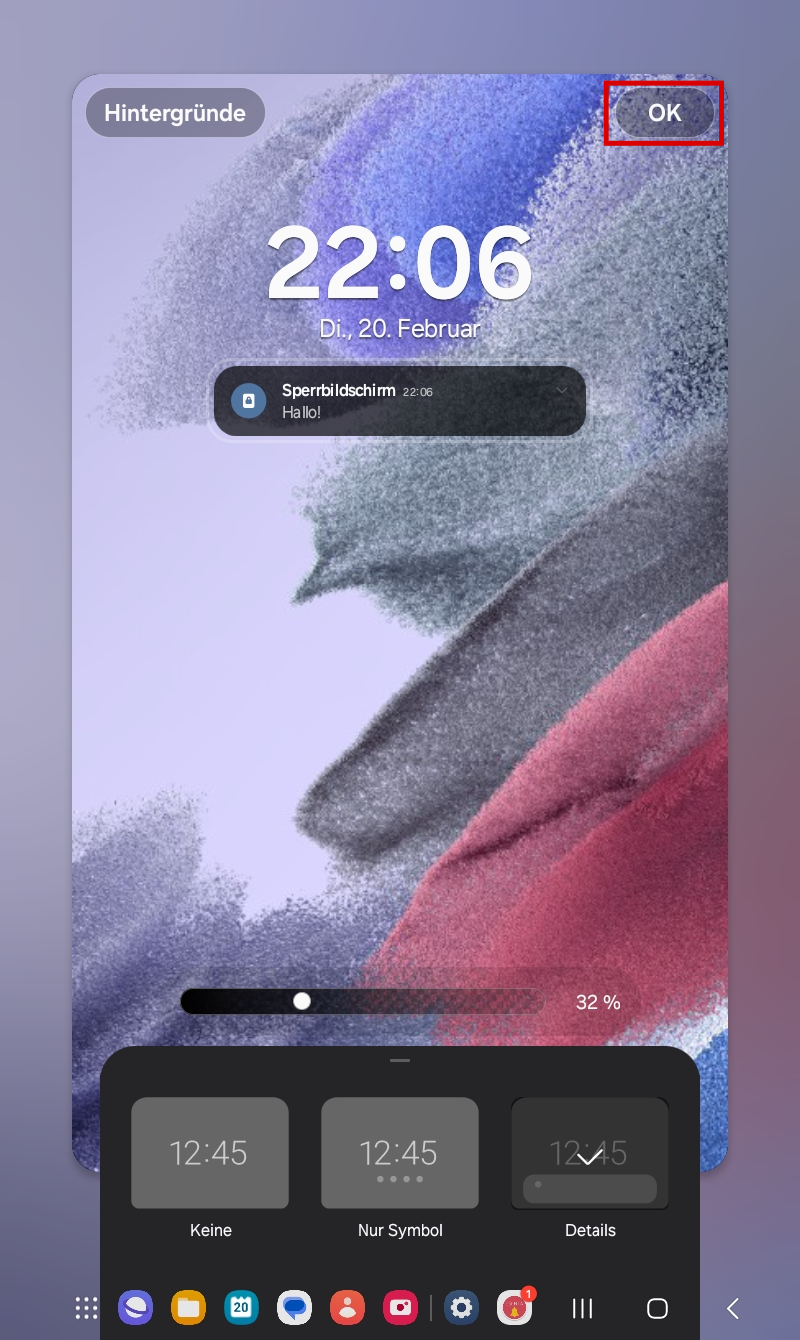
If only the notification icons are shown on the lock screen without any notification text, you can adjust the system settings as follows:
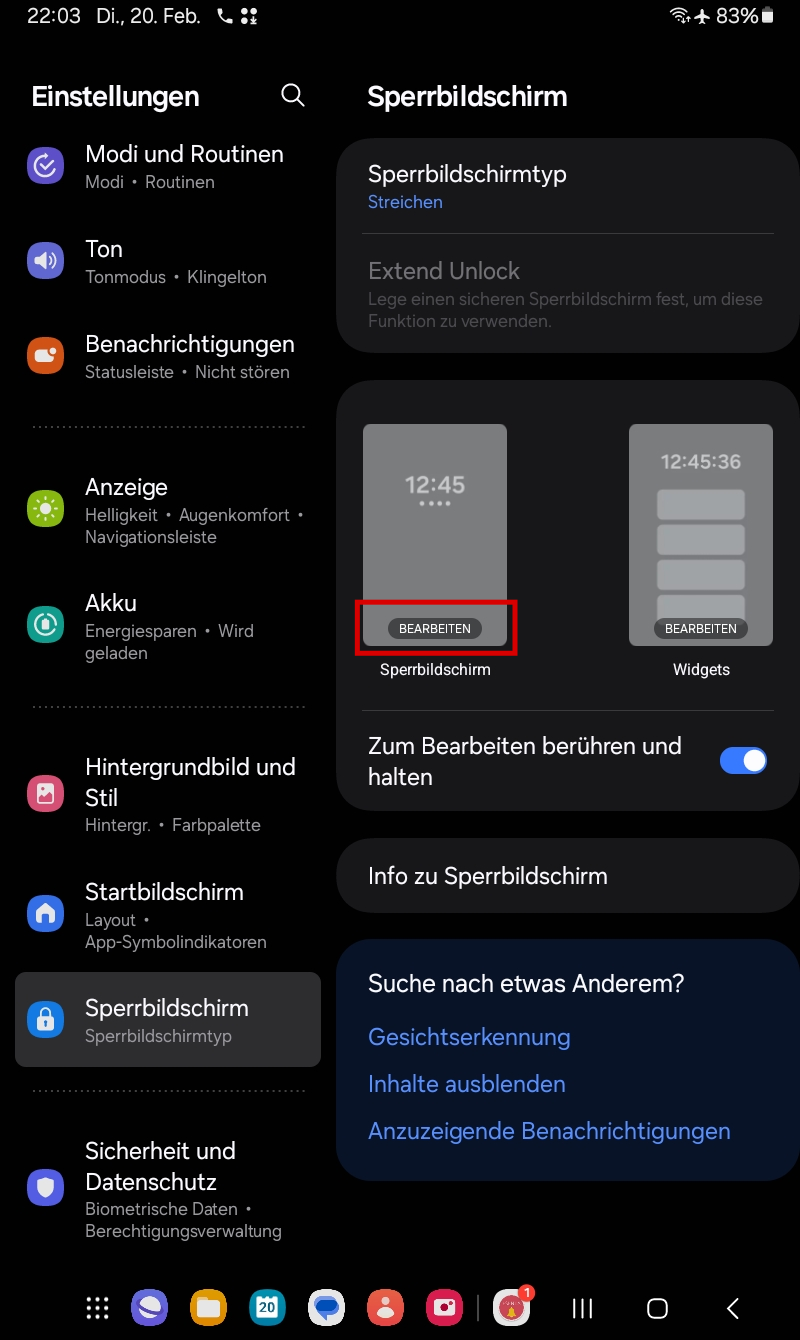
In Settings, open the Lock screen subpage. There, tap Edit next to Lock screen.
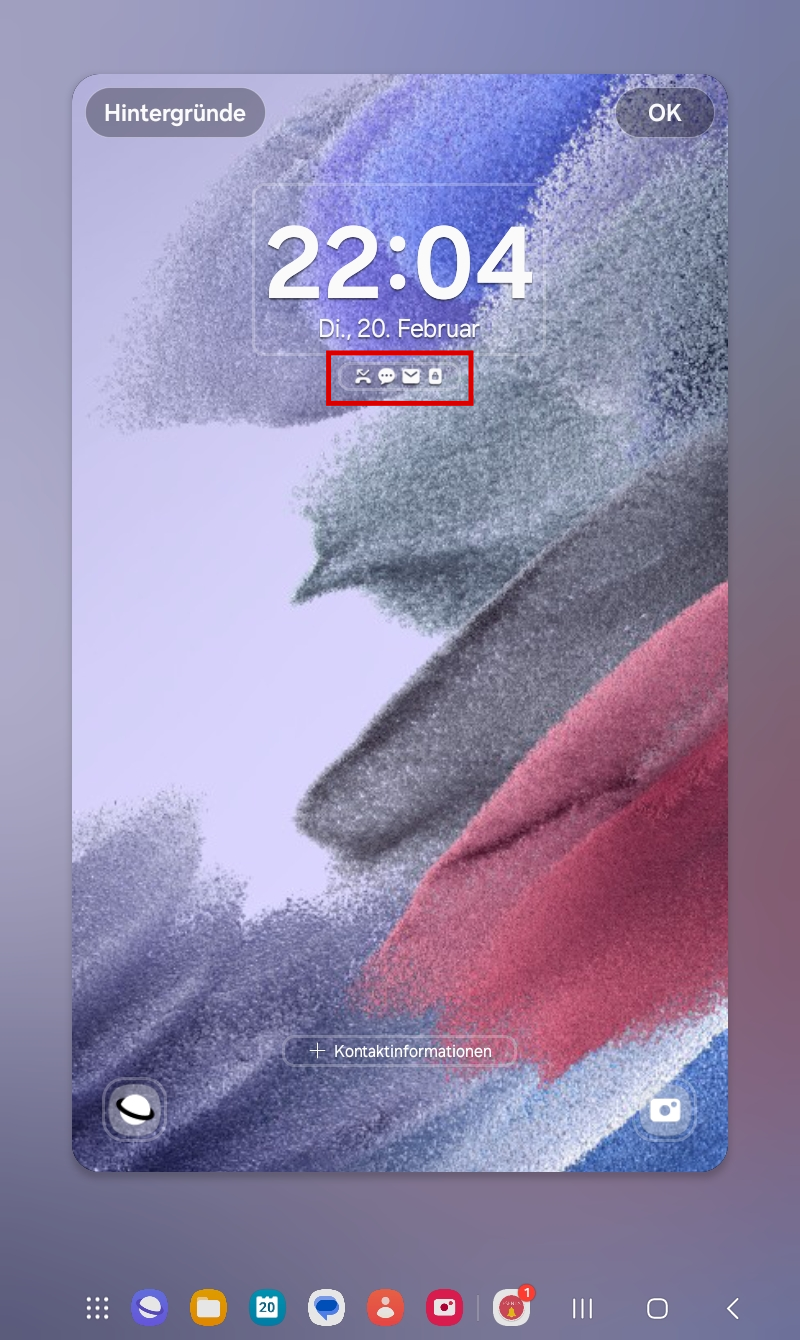
Then tap the area where the notification icons are shown:
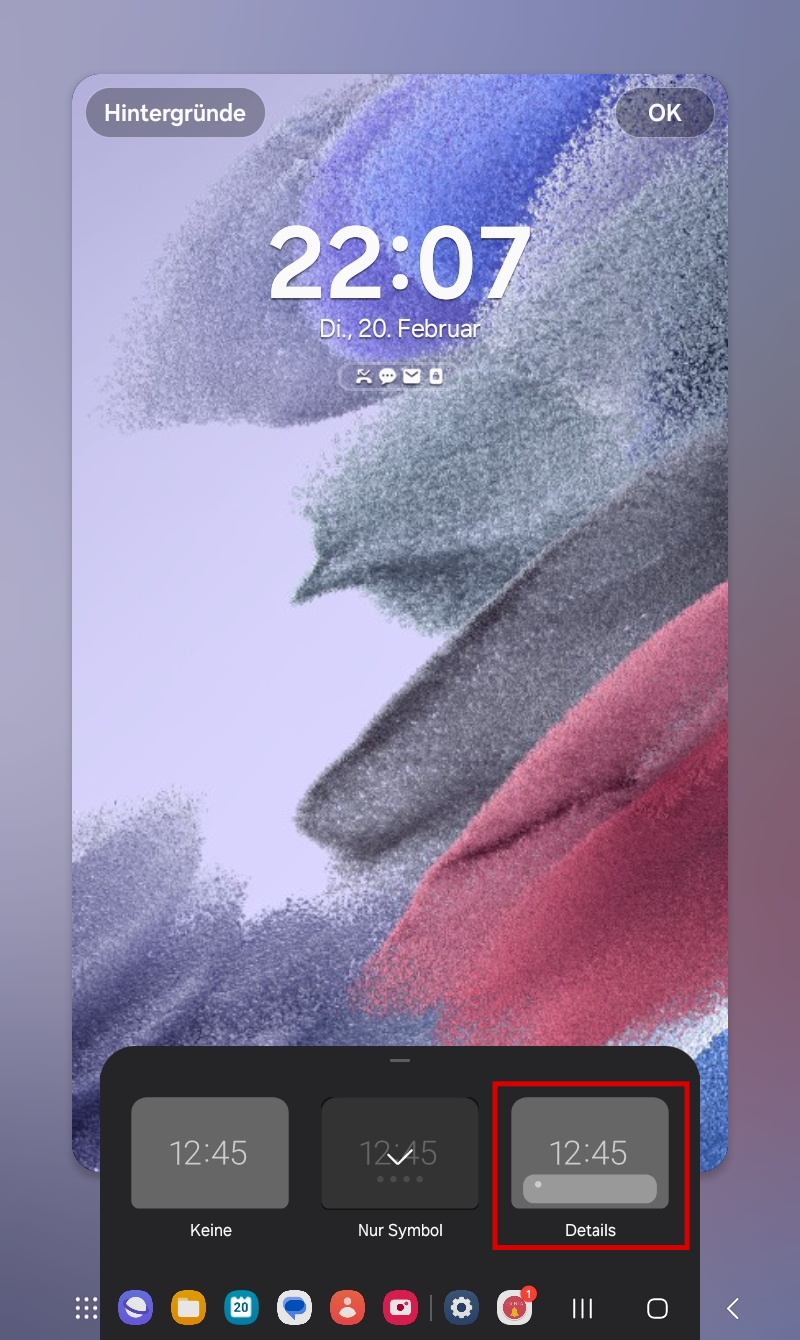
Change the setting there from "Icons only" to "Details"
Finally, save with OK in the top-right corner.