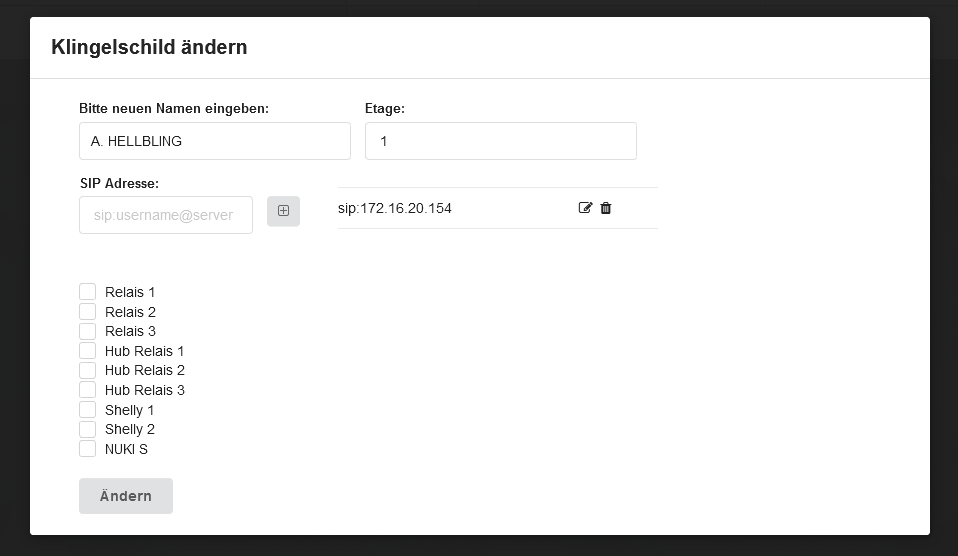
The Yealink SIP phone can also be reached with a direct IP call, without an additional SIP server.
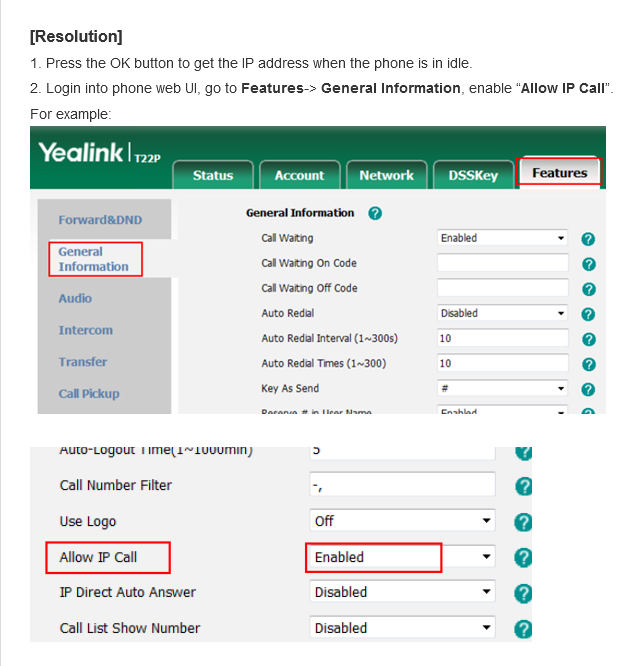
To do this, the "Allow IP Call" option must be enabled in the Yealink device's settings under "Features" -> "General Information".
The device can then be assigned to a doorbell button in the ESENTA SIAS web interface via its IP address (e.g. "sip:172.16.20.154").