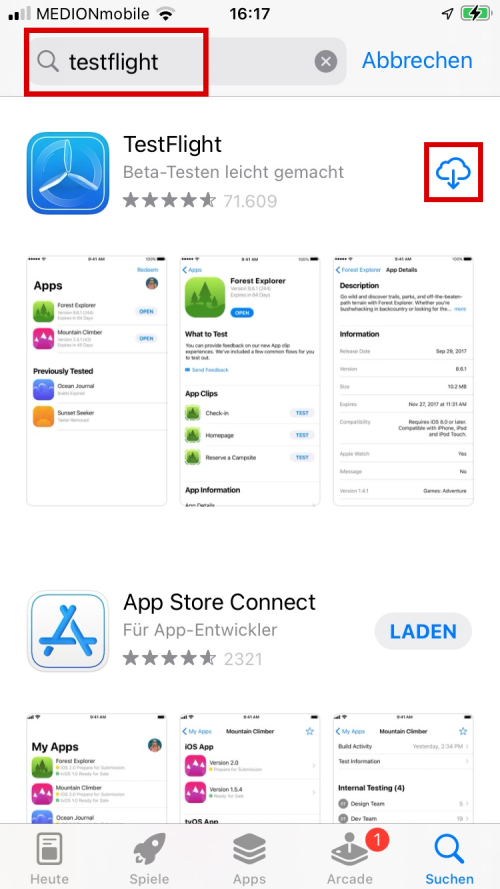
First, open the App Store and install Apple's TestFlight app. The TestFlight app is required to install pre-release versions of apps on Apple devices.
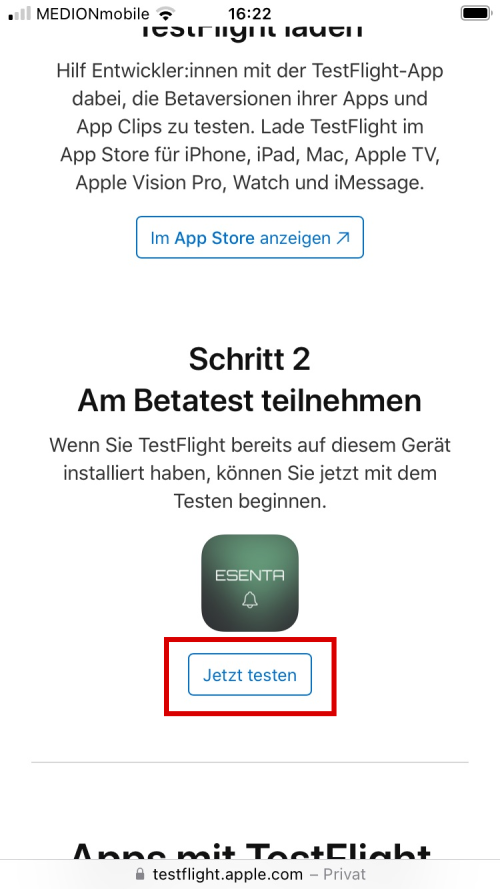
Then open the participation link in a web browser on your iOS device. If you haven't received the participation link yet, you can request it from us.
On the participation page, click the "Start Testing" button.
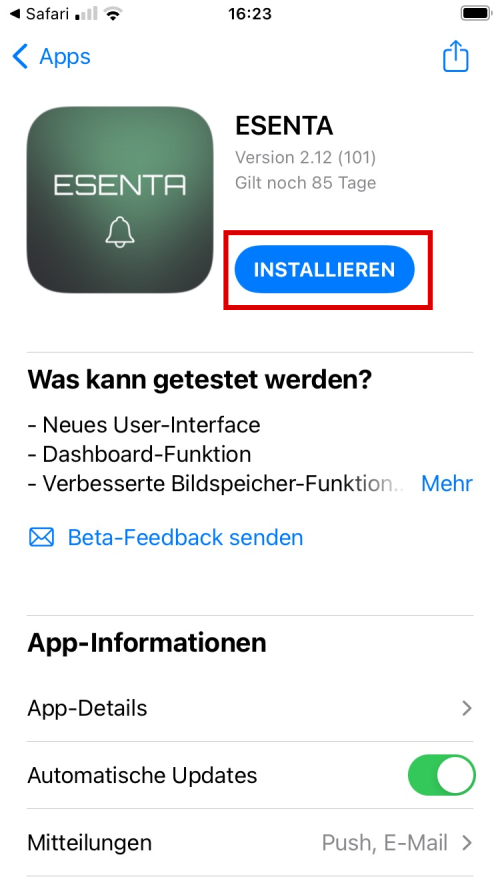
An entry for the ESENTA app will then appear in the TestFlight app.
Tap the "INSTALL" button there.
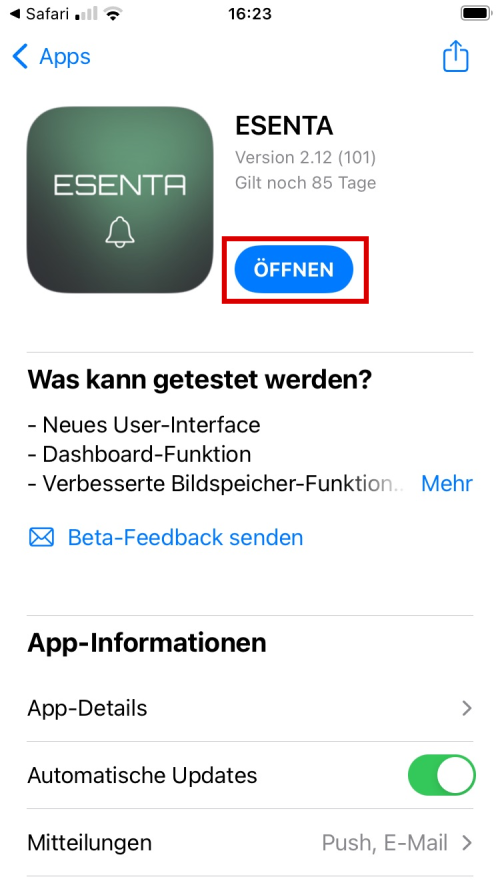
You can then launch the ESENTA app from the TestFlight app or via the icon on your home screen.