In the ESENTA web interface, go to Maintenance -> Remote Maintenance, select "enabled" from the dropdown menu, and then click "Save".
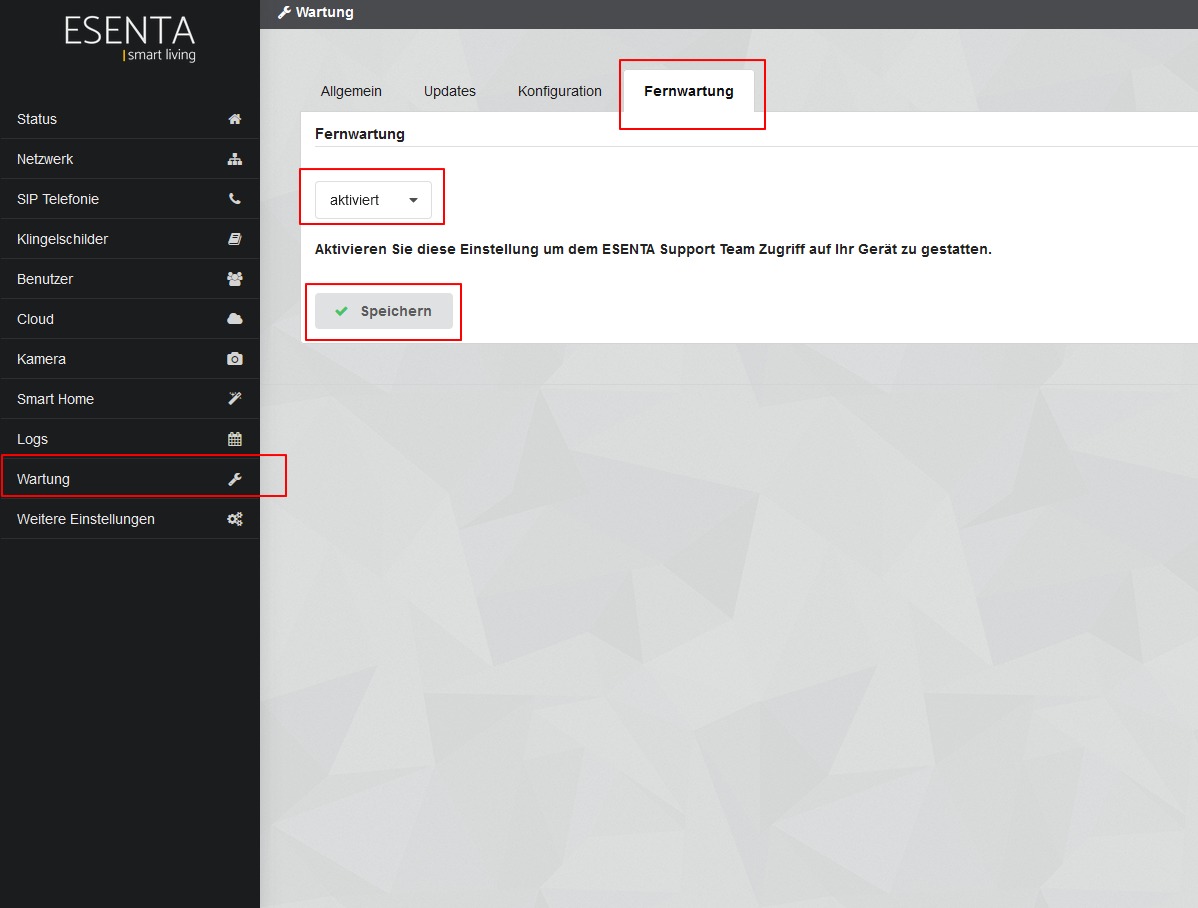
In the ESENTA web interface, go to Maintenance -> Remote Maintenance, select "enabled" from the dropdown menu, and then click "Save".


